
Client resource center

Client Resource Center

Quickly schedule service, open or check a ticket, download remote-support tools, review warranties, and access other client resources.

Call 404-585-6253
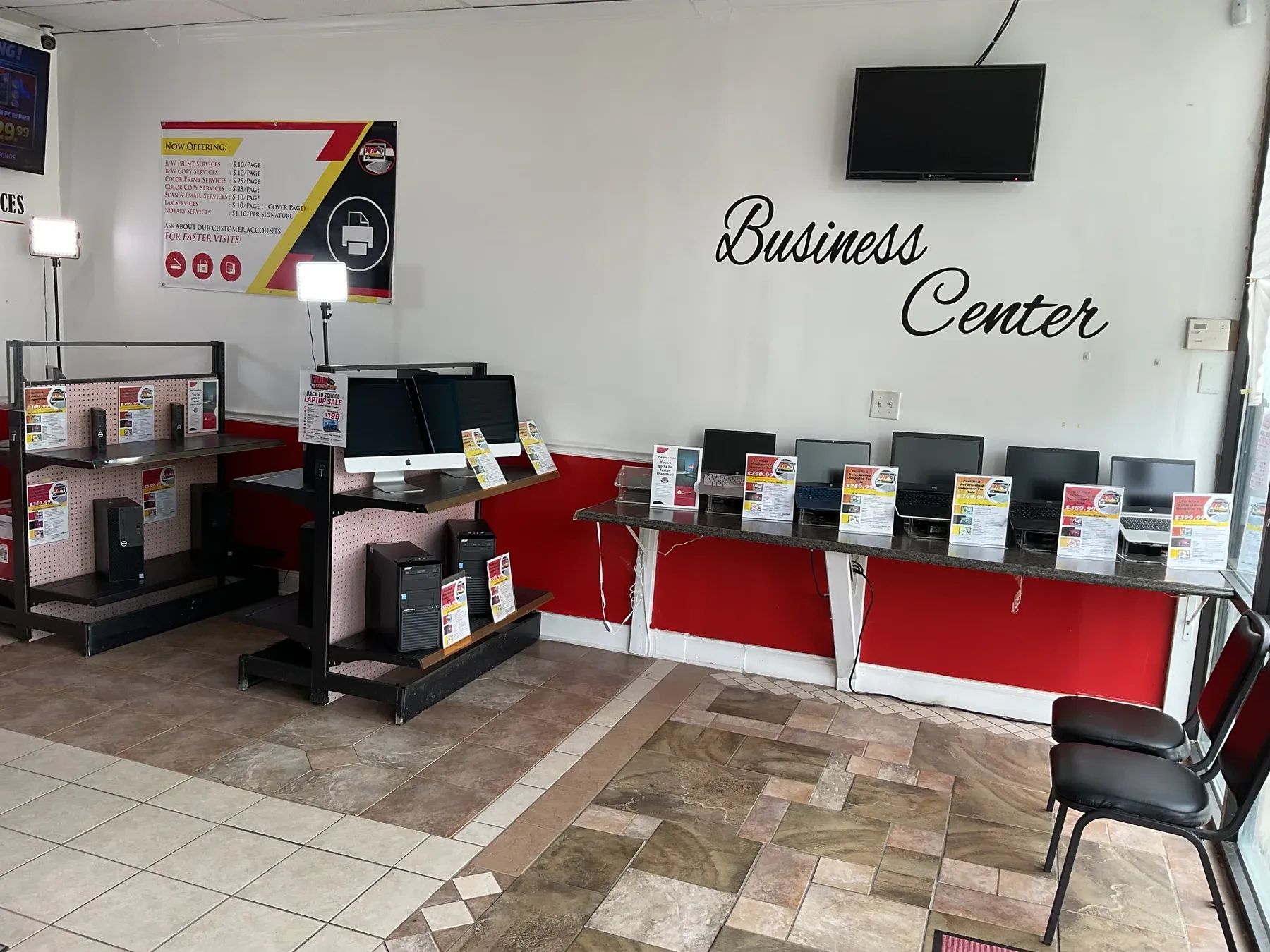
Computers displayed for sale inside the 1010Computers McDonough showroom

Complete published information

A clearer way to manage your service experience

The secure 1010Client Portal gives each service request a unique ticket record so clients can receive updates, review service information, and keep communication connected to the correct repair or project. Email notifications may include a secure link for reviewing the ticket and providing additional information.

Use the options above to schedule service, open a new ticket, or check an existing ticket. When available, supporting details and files can be added to the ticket so the technician or project manager has a more complete, time-stamped service history.

Ready when you are

Start with the technology problem in front of you.

404-585-6253

Start service

Choose the right service path

Your selected time is your in-store appointment

Complete the RepairShopr booking form after choosing a time. The appointment and contact details are saved as a RepairShopr Lead so the team can find the visit when you arrive and begin customer-account and ticket entry faster.

Choose an In-Store Appointment Time

Current limitation: the hosted booking form records the selected time and contact information, but it does not currently ask for device or issue details. Please have that information ready at check-in.