
May 15, 2019
Reality Check: The marvel of computer vision technology in today’s camera-based AR systems
Contributor
British science fiction writer, Sir Arther C. Clark, once said, “Any sufficiently advanced technology is indistinguishable from magic.”
Augmented reality has the potential to instill awe and wonder in us just as magic would. For the very first time in the history of computing, we now have the ability to blur the line between the physical world and the virtual world. AR promises to bring forth the dawn of a new creative economy, where digital media can be brought to life and given the ability to interact with the real world.
AR experiences can seem magical but what exactly is happening behind the curtain? To answer this, we must look at the three basic foundations of a camera-based AR system like our smartphone.
- How do computers know where it is in the world? (Localization + Mapping)
- How do computers understand what the world looks like? (Geometry)
- How do computers understand the world as we do? (Semantics)
Part 1: How do computers know where it is in the world? (Localization)

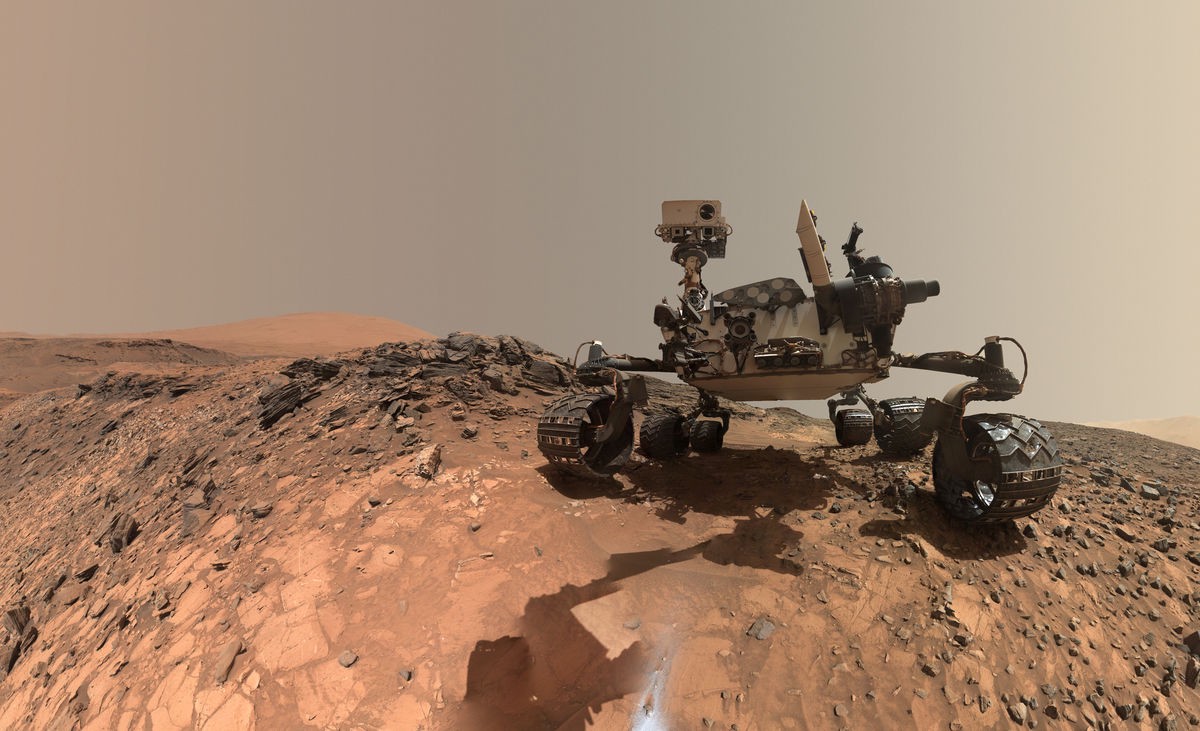
Mars Rover Curiosity taking a selfie on Mars. Source: https://www.nasa.gov/jpl/msl/pia19808/looking-up-at-mars-rover-curiosity-in-buckskin-selfie/
When NASA scientists put the rover onto Mars, they needed a way for the robot to navigate itself on a different planet without the use of a global positioning system (GPS). They came up with a technique called Visual Inertial Odometry (VIO) to track the rover’s movement over time without GPS. This is the same technique that our smartphones use to track their spatial position and orientation.
A VIO system is made out of two parts.
Powered by WPeMatico